CT600 Box 220: Trading Losses Brought Forward
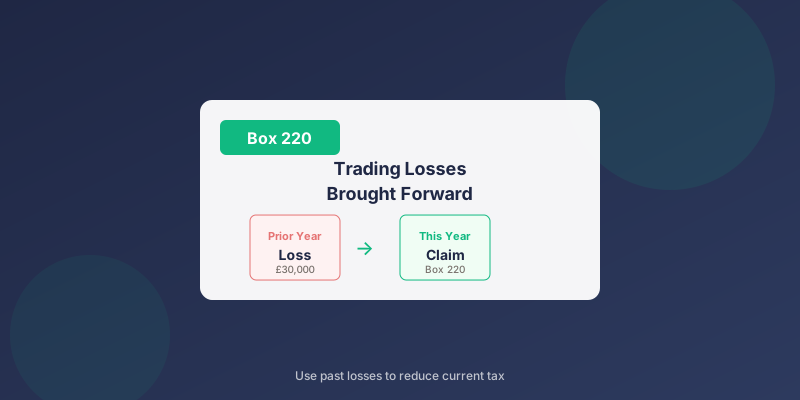
Box 220 on the CT600 is for trading losses brought forward from previous accounting periods. This is where you claim relief for past losses against current profits.
What Goes in Box 220?
Box 220 shows the amount of previously unused trading losses you're claiming against this period's profits. These are losses from earlier years that you're now using to reduce your tax bill.
If your company has never made a loss, Box 220 will be zero.
How Losses Brought Forward Work
The Basic Principle
When your company makes a trading loss:
- The loss is calculated in that year
- If not fully used, it carries forward
- It can offset future trading profits
- Claimed in Box 220 when used
Example Flow
Year 1: Loss of £30,000 - no tax to pay, loss carries forward
Year 2: Profit of £20,000
- Claim £20,000 of brought forward losses (Box 220)
- Taxable profit = £0
- Remaining losses = £10,000 (carry forward again)
- Claim remaining £10,000 of losses (Box 220)
- Taxable profit = £40,000
- Tax due on £40,000
Calculating Box 220
Available Losses
Your available losses include:
- Losses from immediately preceding period
- Accumulated losses from earlier periods
- Total of all unused trading losses
How Much to Claim
Box 220 should show the amount being used, not the total available:
| Scenario | Profits | Losses Available | Box 220 |
|---|---|---|---|
| Losses exceed profits | £50,000 | £80,000 | £50,000 |
| Profits exceed losses | £50,000 | £30,000 | £30,000 |
| No profits | £0 | £30,000 | £0 |
Types of Losses for Box 220
Qualifying Losses
Box 220 is specifically for trading losses:
- Losses from your company's trade
- Calculated after allowable deductions
- From the same trade (if multiple trades)
Non-Qualifying Losses
These don't go in Box 220:
| Loss Type | Where It Goes |
|---|---|
| Capital losses | Separate capital loss boxes |
| Property losses | Property loss boxes |
| Non-trade loan deficits | Separate treatment |
| Losses surrendered as group relief | Different claim |
Restrictions on Loss Relief
The 50% Rule (Post-April 2017)
For accounting periods from April 2017:
- First £5 million of profits: unrestricted
- Above £5 million: only 50% can be relieved
- Profits: £8 million
- Losses available: £10 million
- Relief on first £5m: £5 million
- Relief on remaining £3m: £1.5 million (50%)
- Total Box 220: £6.5 million
Same Trade Requirement
Losses must be from the same trade:
- If trade has changed significantly, losses may not qualify
- Trade must be continuing
- Major changes may reset the clock
Box 220 vs Box 170
Understanding the difference:
| Box | Purpose |
|---|---|
| 170 | Current year trading loss |
| 220 | Prior year losses brought forward |
- Box 170: Loss made this period
- Box 220: Loss made previously, used this period
Recording Loss Usage
Track Your Losses
Keep records of:
- Original loss amount and period
- Amounts claimed each year
- Remaining balance
Example Tracking
| Year | Loss Made | Claimed | Carried Forward |
|---|---|---|---|
| 2021 | £50,000 | £0 | £50,000 |
| 2022 | - | £20,000 | £30,000 |
| 2023 | - | £30,000 | £0 |
Related Boxes
| Box | Description |
|---|---|
| 170 | Current trading losses |
| 215 | Gross profits before deductions |
| 220 | Losses brought forward (this box) |
| 225 | Losses carried back |
| 235 | Total profits after deductions |
Common Questions
How do I know what losses I have available?
Check:
- Previous CT600 returns
- Box 170 from loss-making years
- Any losses not yet claimed
- HMRC records (if uncertain)
My company made a loss last year - should I claim it now?
Generally yes, if you have profits to offset. There's no benefit to holding losses back - they don't grow in value.
Can I choose how much loss to use?
Yes. You don't have to use all available losses. However, there's usually no advantage to leaving losses unclaimed if you have profits.
What if I've lost track of my losses?
- Review previous CT600 returns
- Check with HMRC
- Look at company accounts
- Consider professional help if records are incomplete
Do losses expire?
Trading losses can generally be carried forward indefinitely. However:
- If trade ceases, unused losses are lost
- Change of ownership rules may apply
When Using TinyTax
TinyTax helps track and claim losses:
- Previous losses are tracked from prior filings
- Enter brought forward losses in the appropriate field
- The software calculates the optimal claim
- Box 220 is populated automatically
Related Articles
- CT600 Box 170: Current Trading Losses
- Corporation Tax Losses Guide
- CT600 Box 235: Total Profits
- CT600 Boxes Explained
Need Help?
TinyTax handles loss claims automatically. Enter your brought forward losses and the software calculates the relief available.
Start Your CT600 Free →